Artivive explained in 30 seconds
Artivive
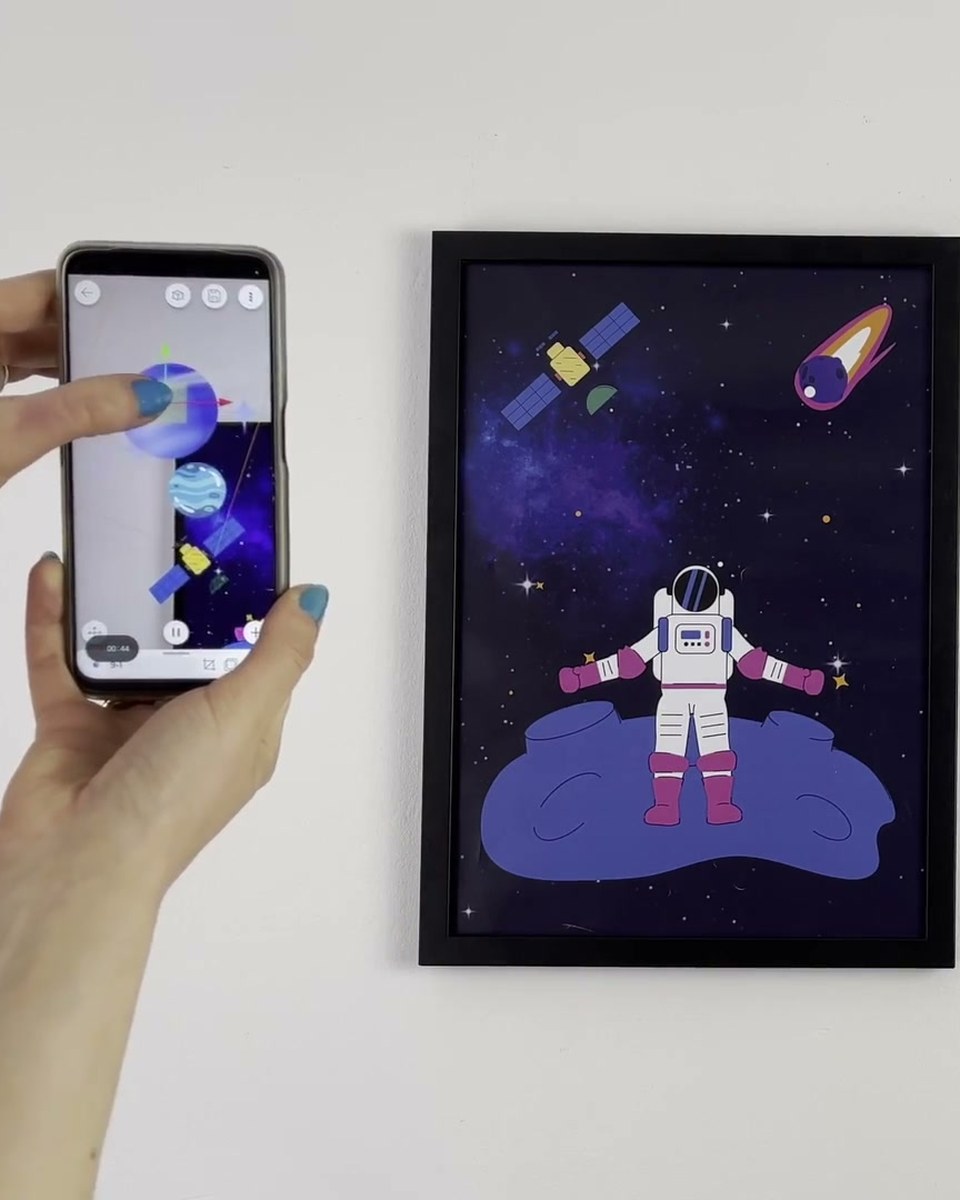
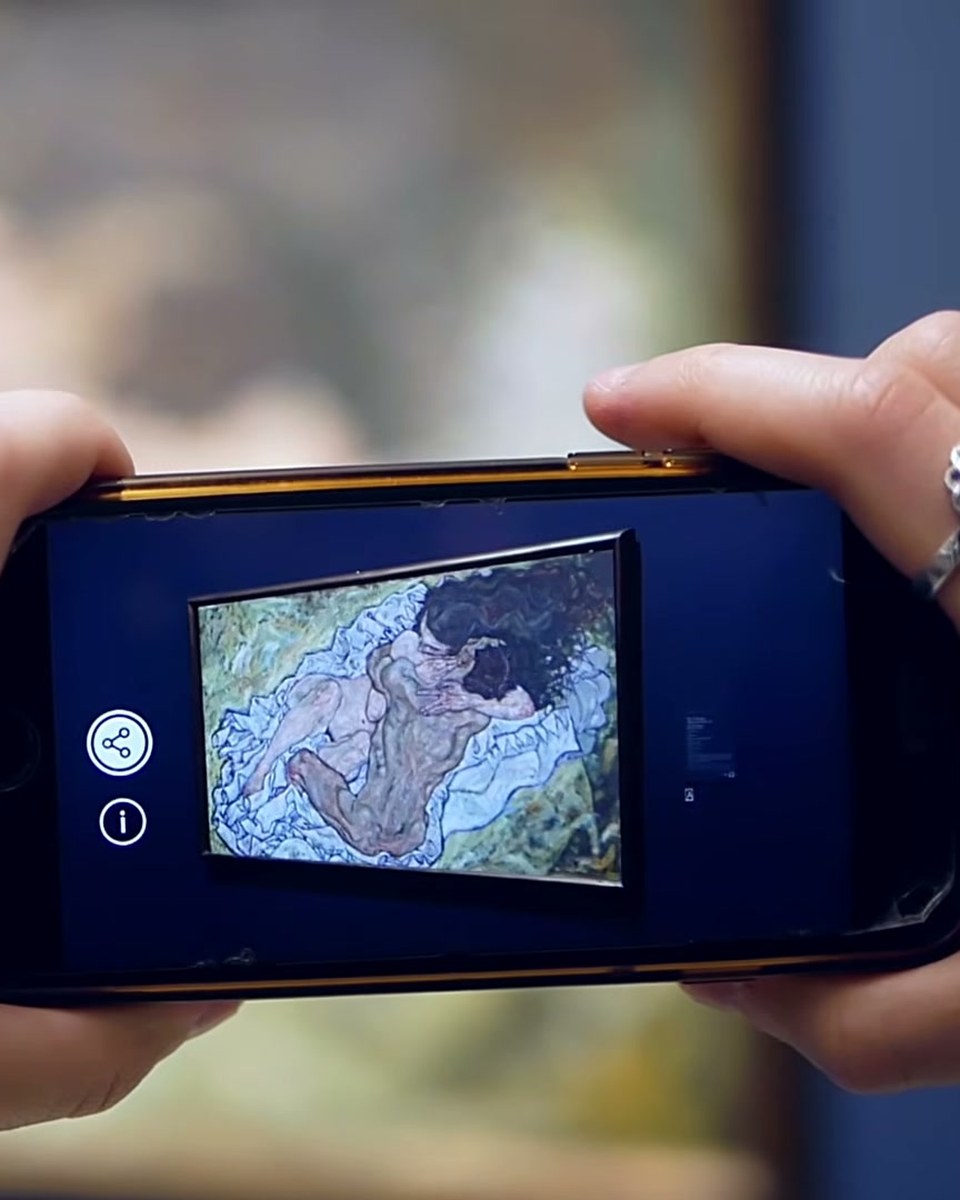
Half a minute on the whole idea: a printed image, a digital layer on top of it, and a phone that connects the two. Artists publish the layer in Bridge, audiences scan the artwork and watch it move, either in the free app or straight in the browser with WebAR. If you only watch one video in this library, watch this one first.
Try it yourself
Create your first AR artwork in the Artivive editor in a few minutes. Free account, no code, WebAR link or app.
Credits
Produced by Artivive.
How a case like this gets made
- Pick what people will point their phone at: a painting, poster, pack, page or wall.
- Add the digital layer in the Artivive editor. Video, image, 3D model, sound. No code.
- Publish. Visitors open it in the free app or through a WebAR link, and enterprise campaigns run fully white label, under your own brand.
← Previous in Platform & WebARA keychain with a character inside
Next in Platform & WebAR →Canva x Artivive: from design to AR inside Canva