Pick a trigger image that tracks properly
Artivive
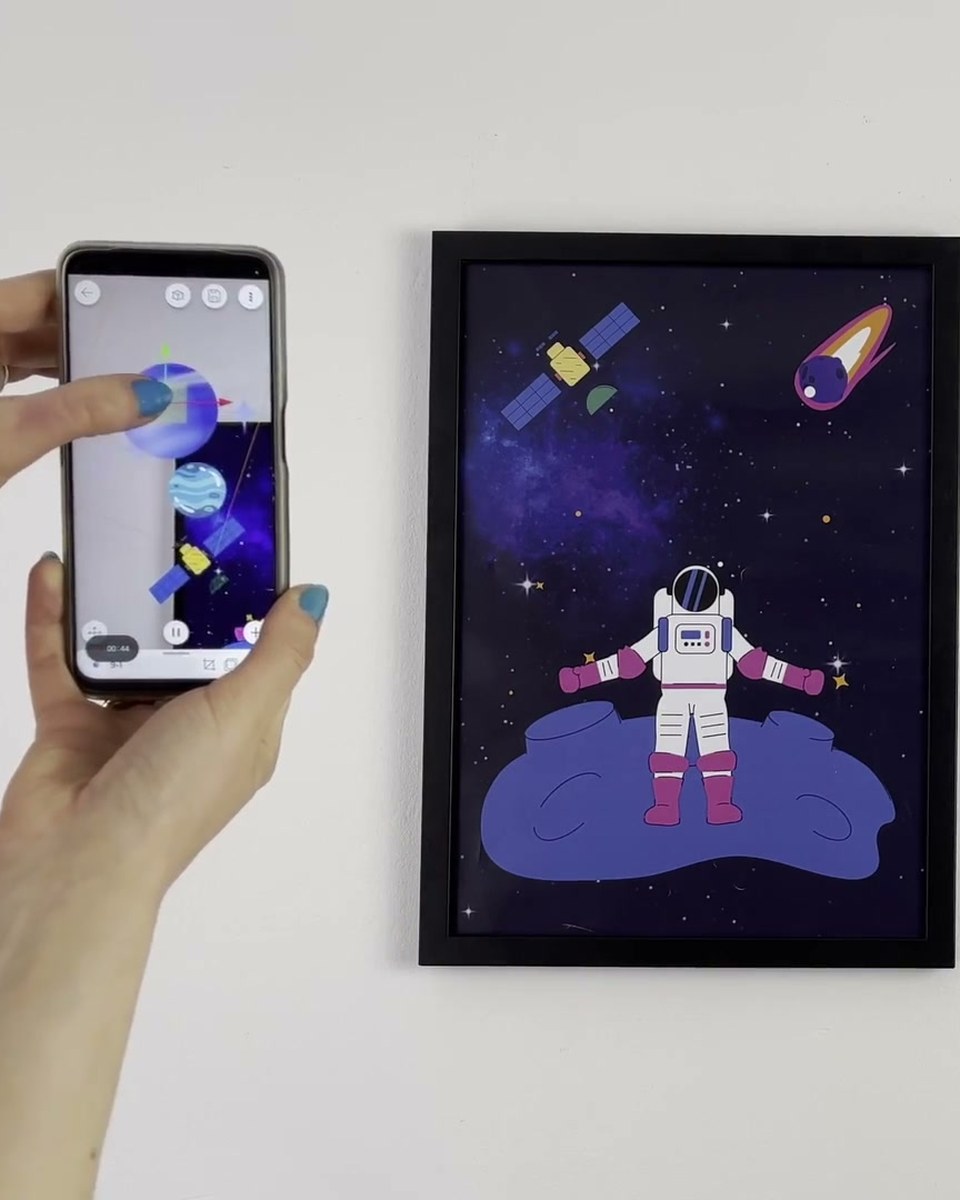
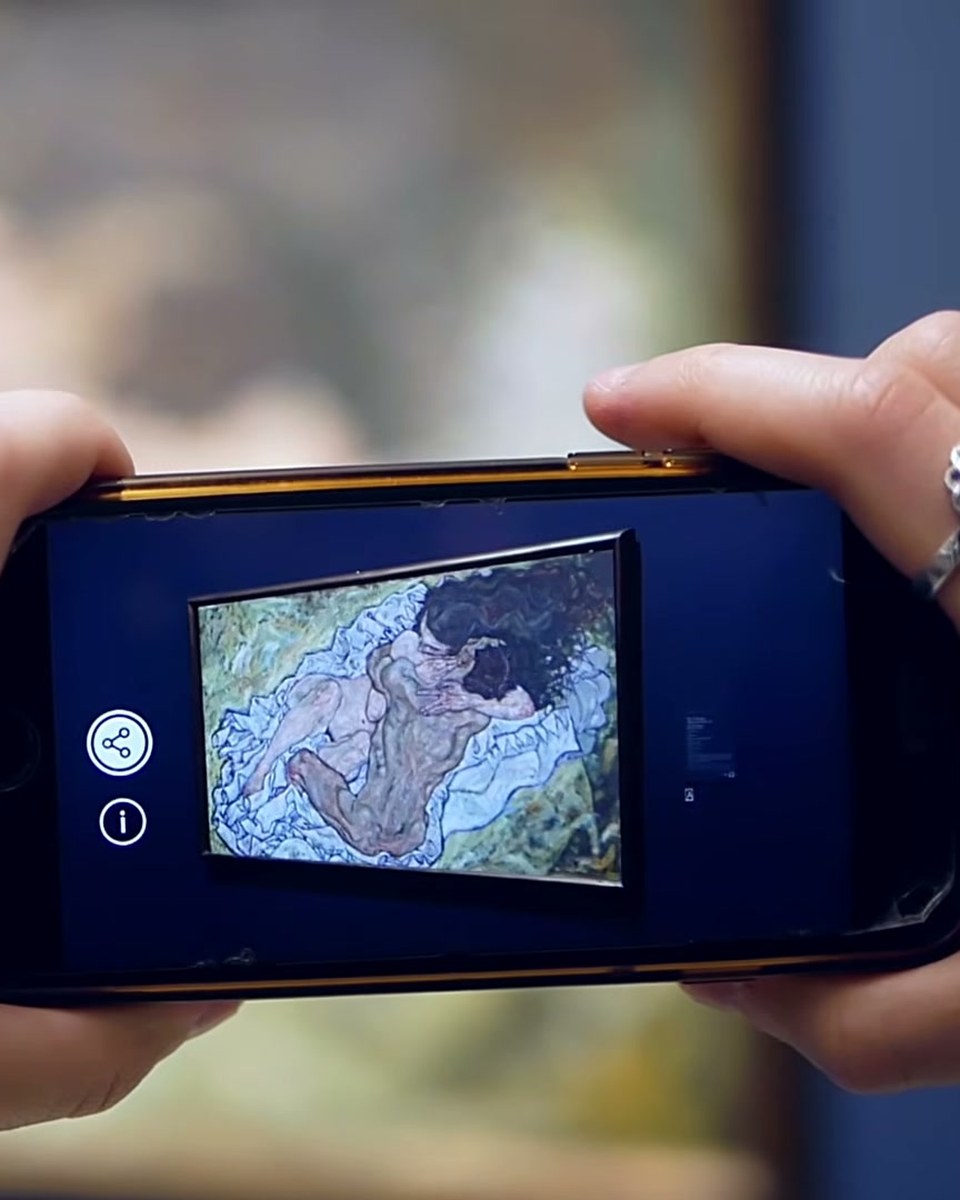
Artist Sarah Main explains the single technical thing that decides whether an AR artwork works: the trigger image. Using her own high contrast abstract portraits she shows why images with clear light and dark areas track cleanly, and why low contrast pieces full of mid tones make the animation drift and jitter. Practical advice from someone who has published on the platform since 2020, not a spec sheet.
Create this yourself
Everything in this video is made in the Artivive editor. Upload your image, add the video or 3D layer, publish. Free to start.
Credits
- Sarah Main artist
How a case like this gets made
- Pick what people will point their phone at: a painting, poster, pack, page or wall.
- Add the digital layer in the Artivive editor. Video, image, 3D model, sound. No code.
- Publish. Visitors open it in the free app or through a WebAR link, and enterprise campaigns run fully white label, under your own brand.
← Previous in Platform & WebARMake an AR artwork on your phone
Next in Platform & WebAR →What Artivive does, in one minute