Make an AR artwork on your phone
Artivive
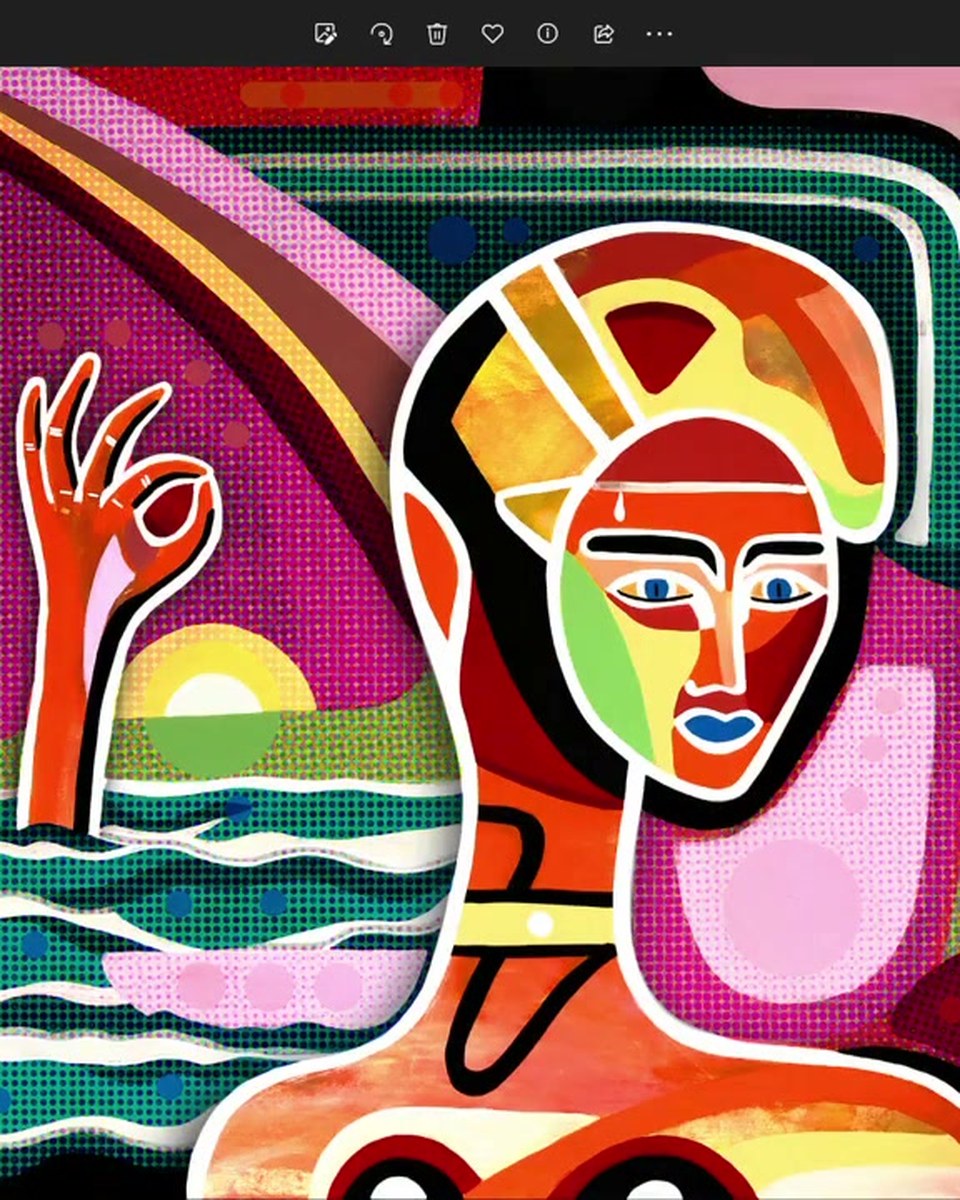
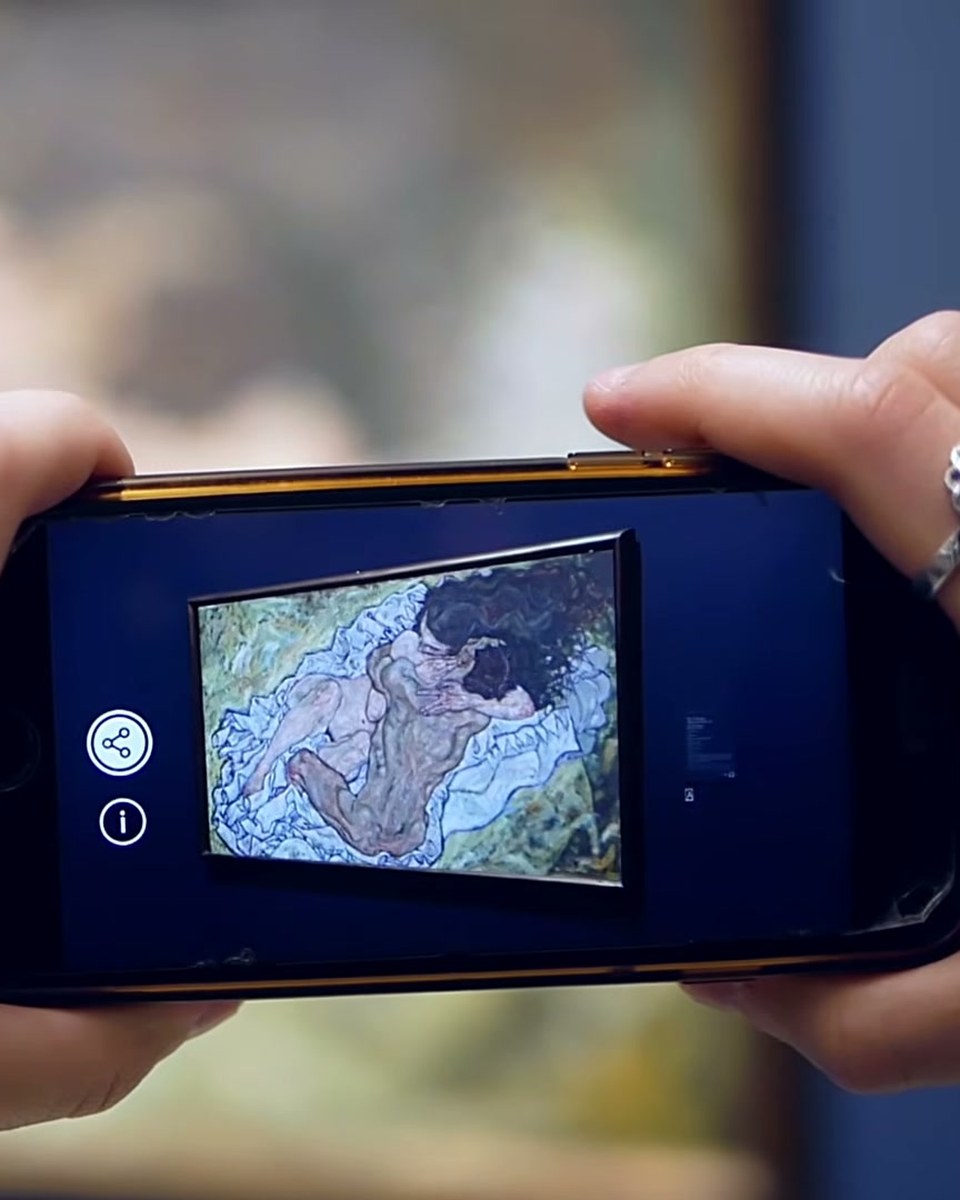
A full walkthrough of making an AR artwork on a phone, without ever opening a laptop. The video covers creating the Artivive account, uploading the target image the app will recognise, stacking video and image layers, knocking out a green or black background with the transparency picker, adding an effect template such as sparkles, and checking the result live in AR mode. Three minutes from empty canvas to a published, scannable artwork.
Create this yourself
Everything in this video is made in the Artivive editor. Upload your image, add the video or 3D layer, publish. Free to start.
Credits
Produced by Artivive.
How a case like this gets made
- Pick what people will point their phone at: a painting, poster, pack, page or wall.
- Add the digital layer in the Artivive editor. Video, image, 3D model, sound. No code.
- Publish. Visitors open it in the free app or through a WebAR link, and enterprise campaigns run fully white label, under your own brand.