Rain, smoke and 3D sound: the Pro editor
Artivive
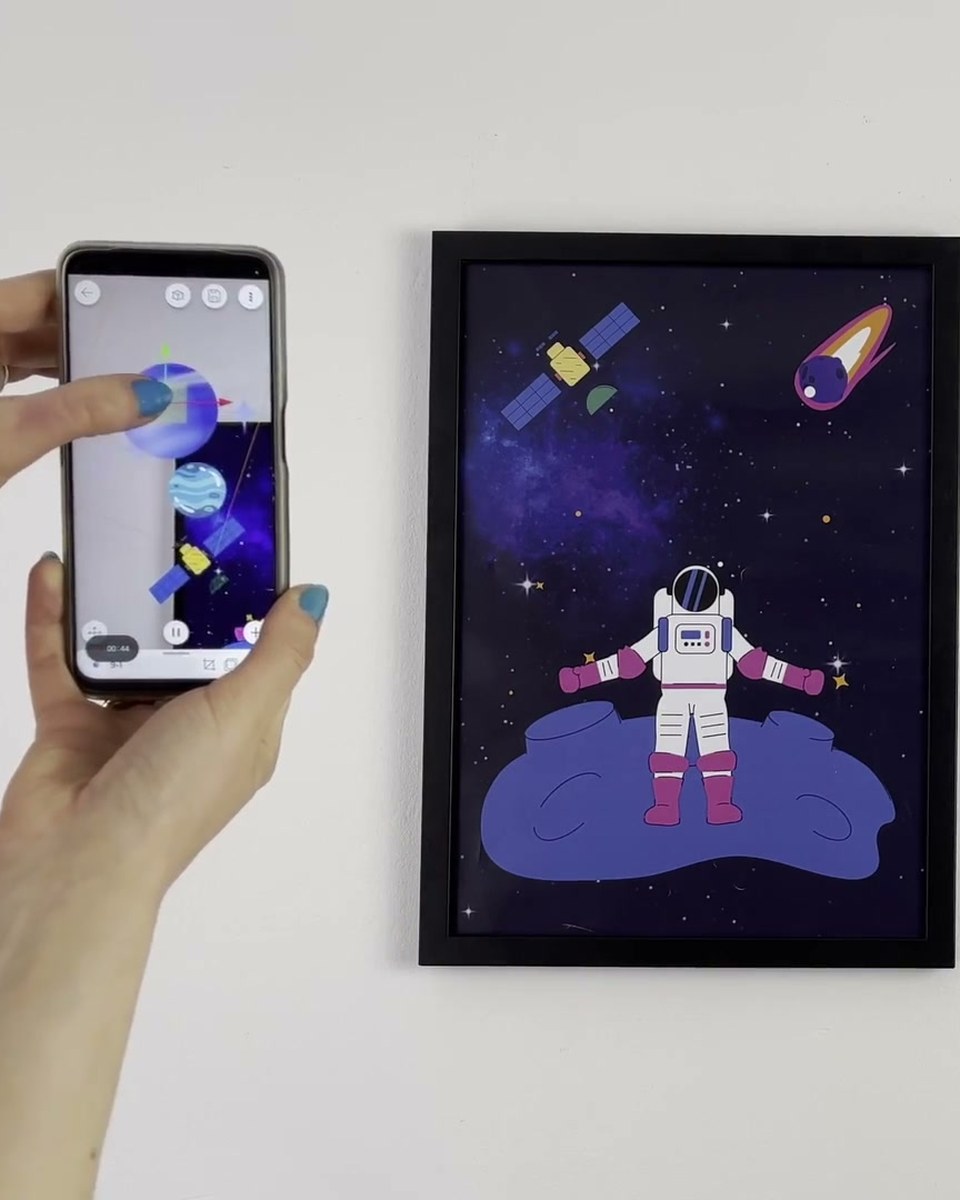
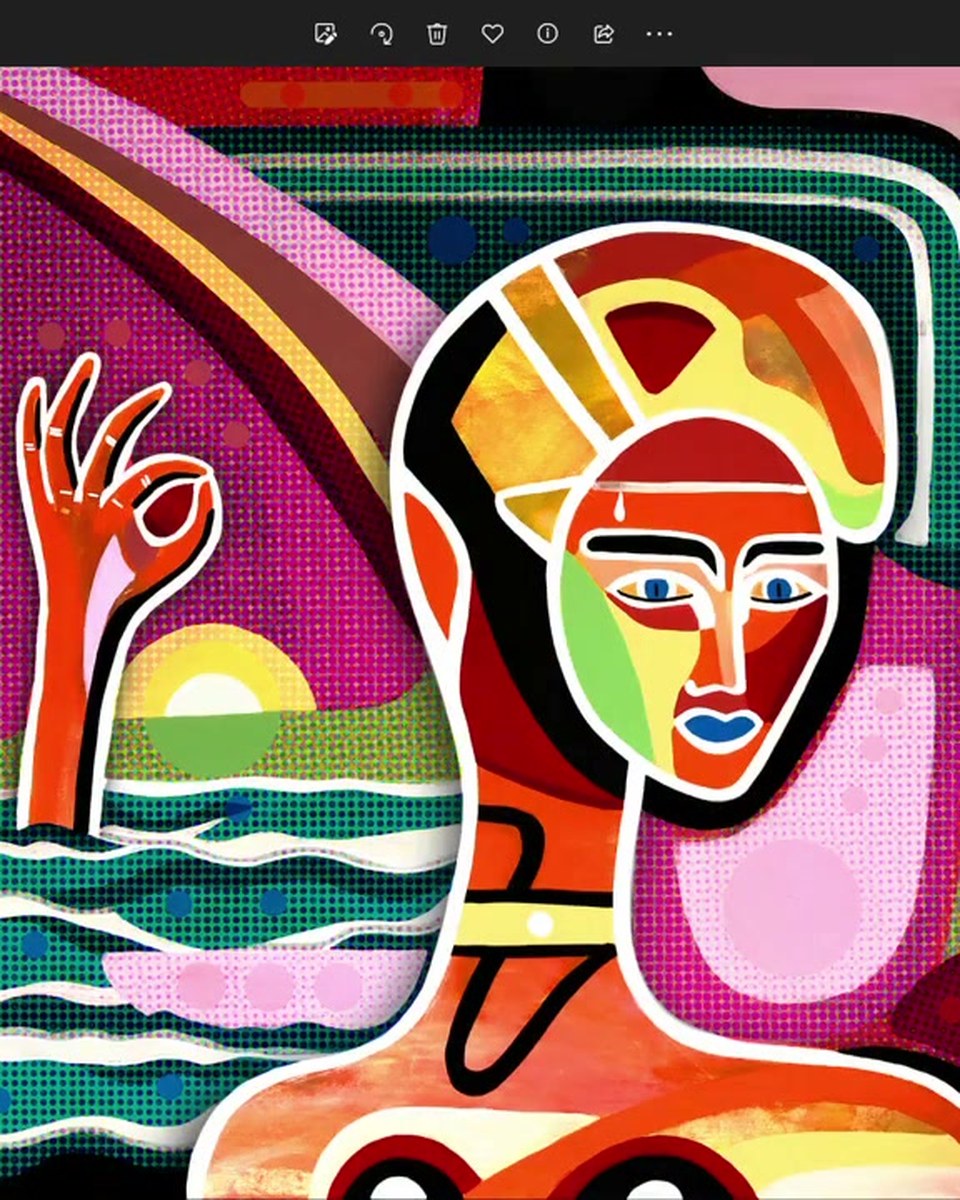
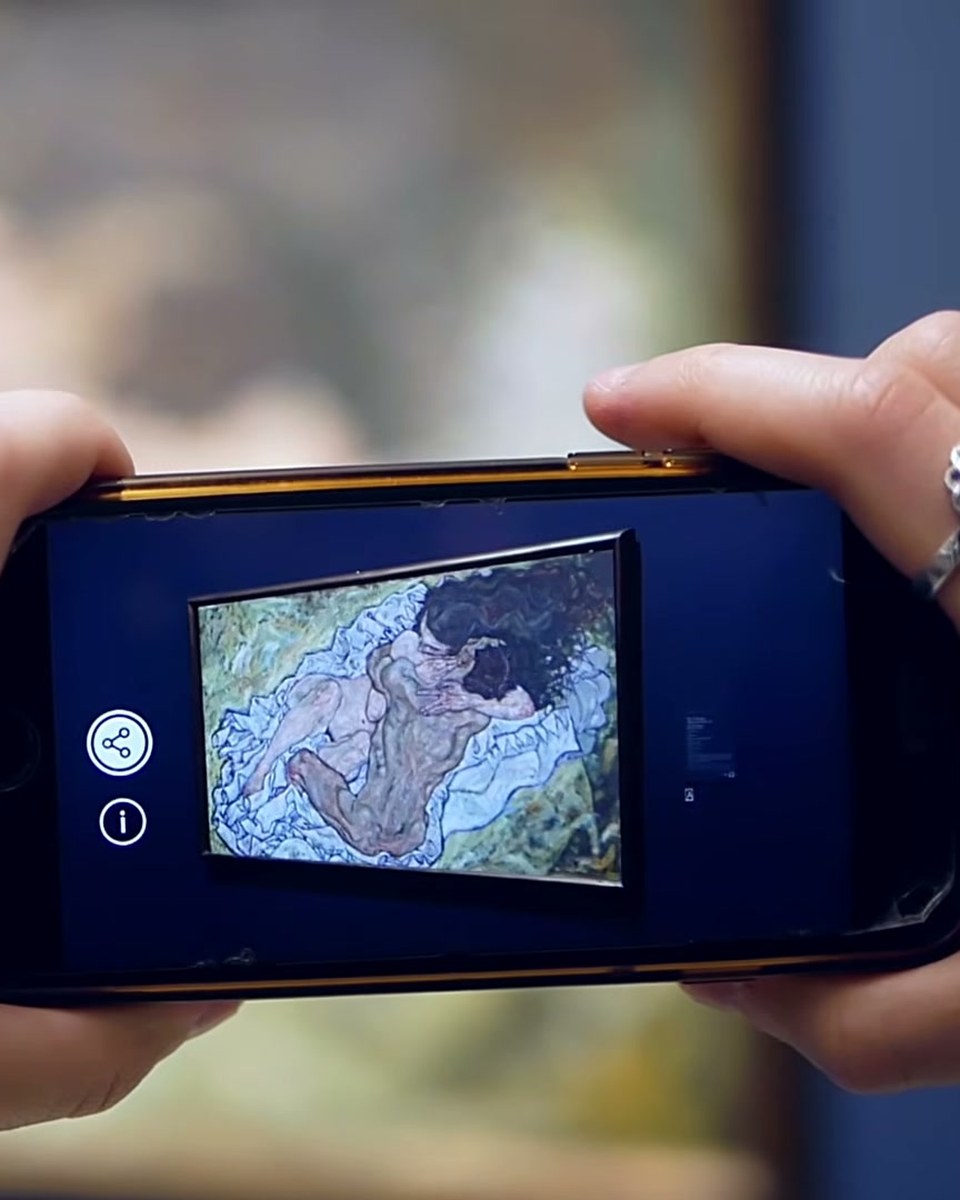
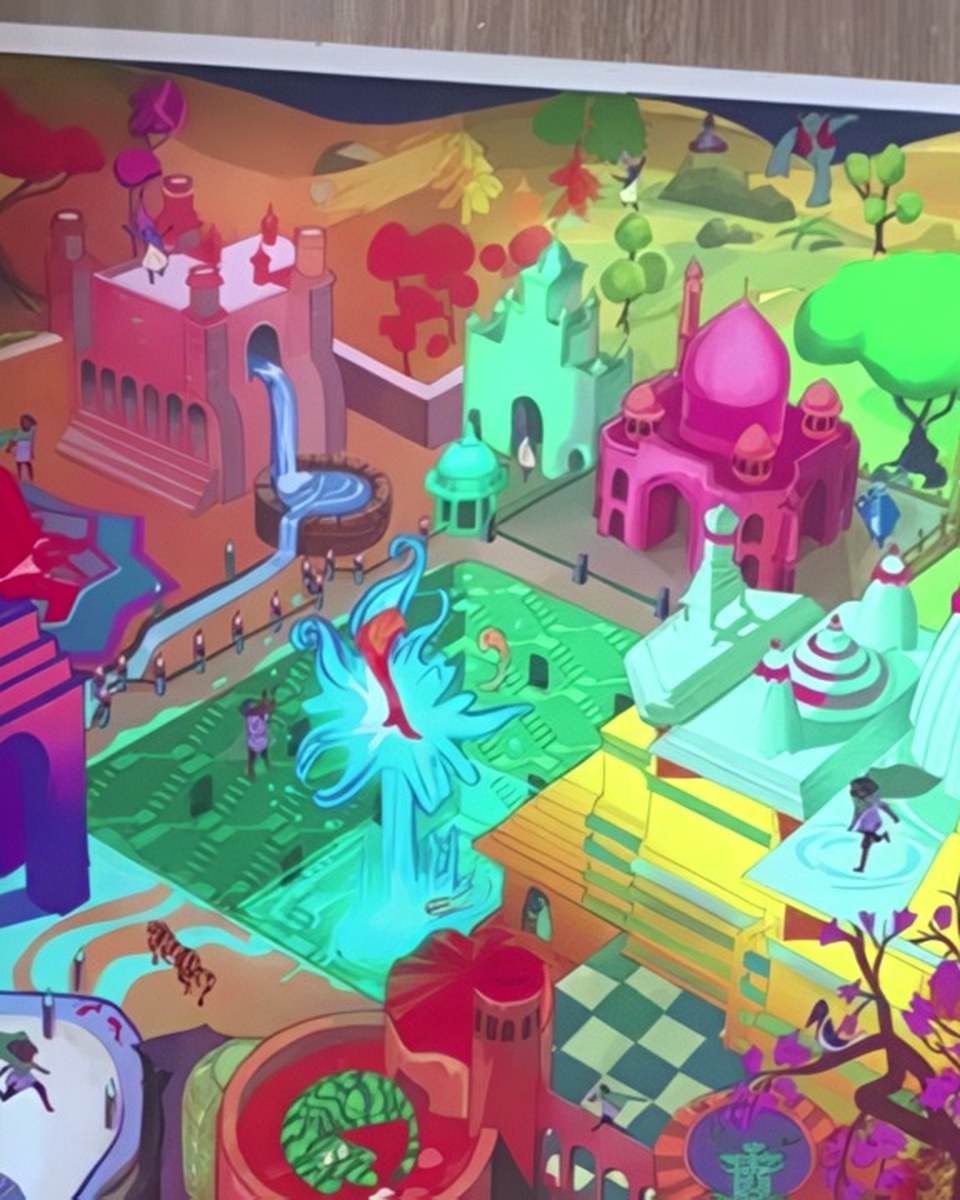
What the Pro editor adds, demonstrated on a mural: particle layers for rain and falling leaves, smoke effects, text layers and 3D sound that gets louder as the viewer walks closer to the wall. Built in Bridge and shown outdoors on the real wall, which is where the difference between a flat video overlay and a spatial scene actually shows.
Create this yourself
Everything in this video is made in the Artivive editor. Upload your image, add the video or 3D layer, publish. Free to start.
Credits
Produced by Artivive.
How a case like this gets made
- Pick what people will point their phone at: a painting, poster, pack, page or wall.
- Add the digital layer in the Artivive editor. Video, image, 3D model, sound. No code.
- Publish. Visitors open it in the free app or through a WebAR link, and enterprise campaigns run fully white label, under your own brand.
← Previous in Platform & WebARPriya's World: a puzzle that comes alive
Next in Platform & WebAR →A keychain with a character inside