Your first AR artwork in the Bridge editor
Artivive
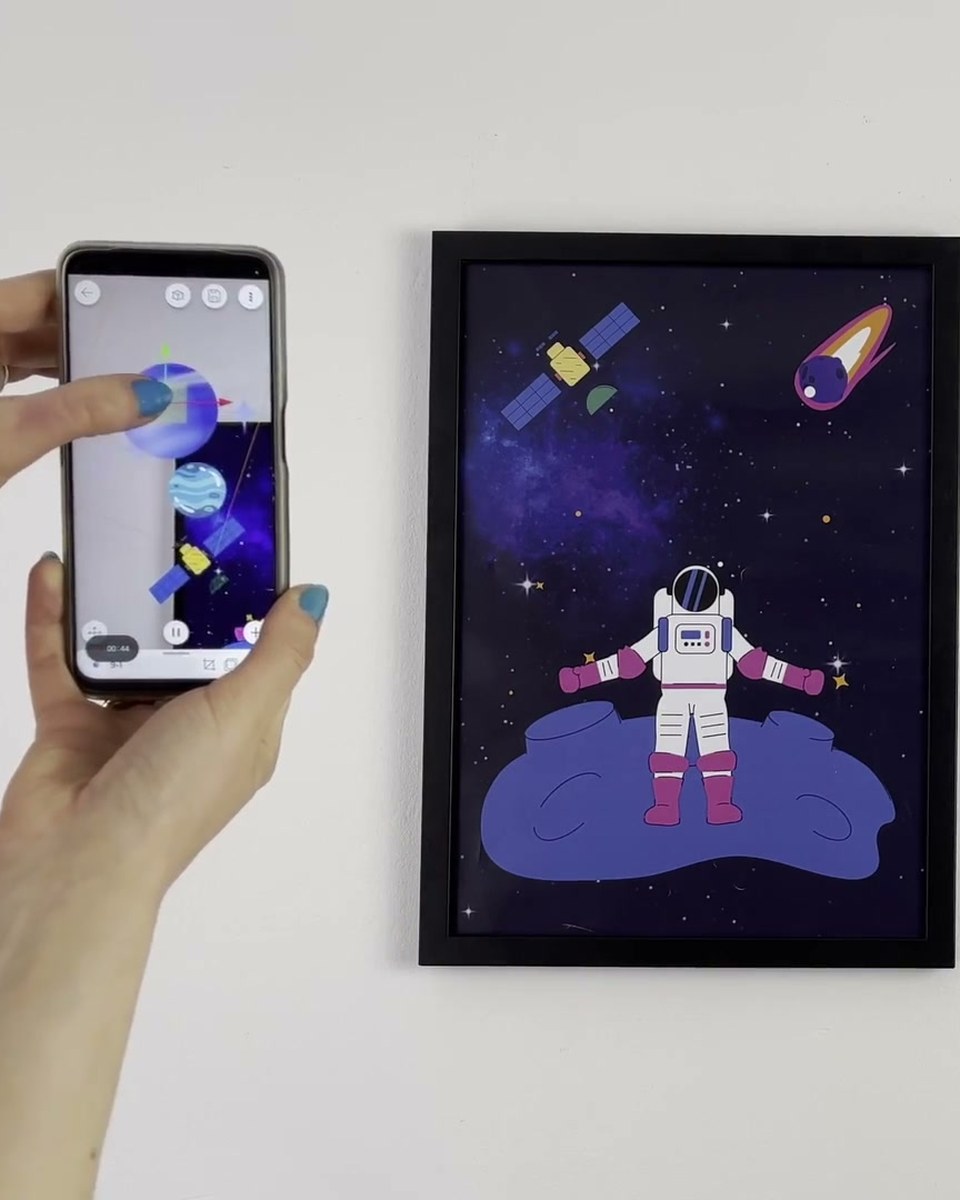
The full first artwork, start to finish, in the redesigned Bridge editor. Add a trigger image, drag a video onto it and the layer snaps to fit in under five seconds, then switch between 2D and 3D view to place elements around the artwork, add image, video, audio and 3D model layers, and group them to keep the scene tidy. Templates and tutorials are built into the home screen for anyone starting cold.
Create this yourself
Everything in this video is made in the Artivive editor. Upload your image, add the video or 3D layer, publish. Free to start.
Credits
- Aurélie Emery artist
- Sandro artist
How a case like this gets made
- Pick what people will point their phone at: a painting, poster, pack, page or wall.
- Add the digital layer in the Artivive editor. Video, image, 3D model, sound. No code.
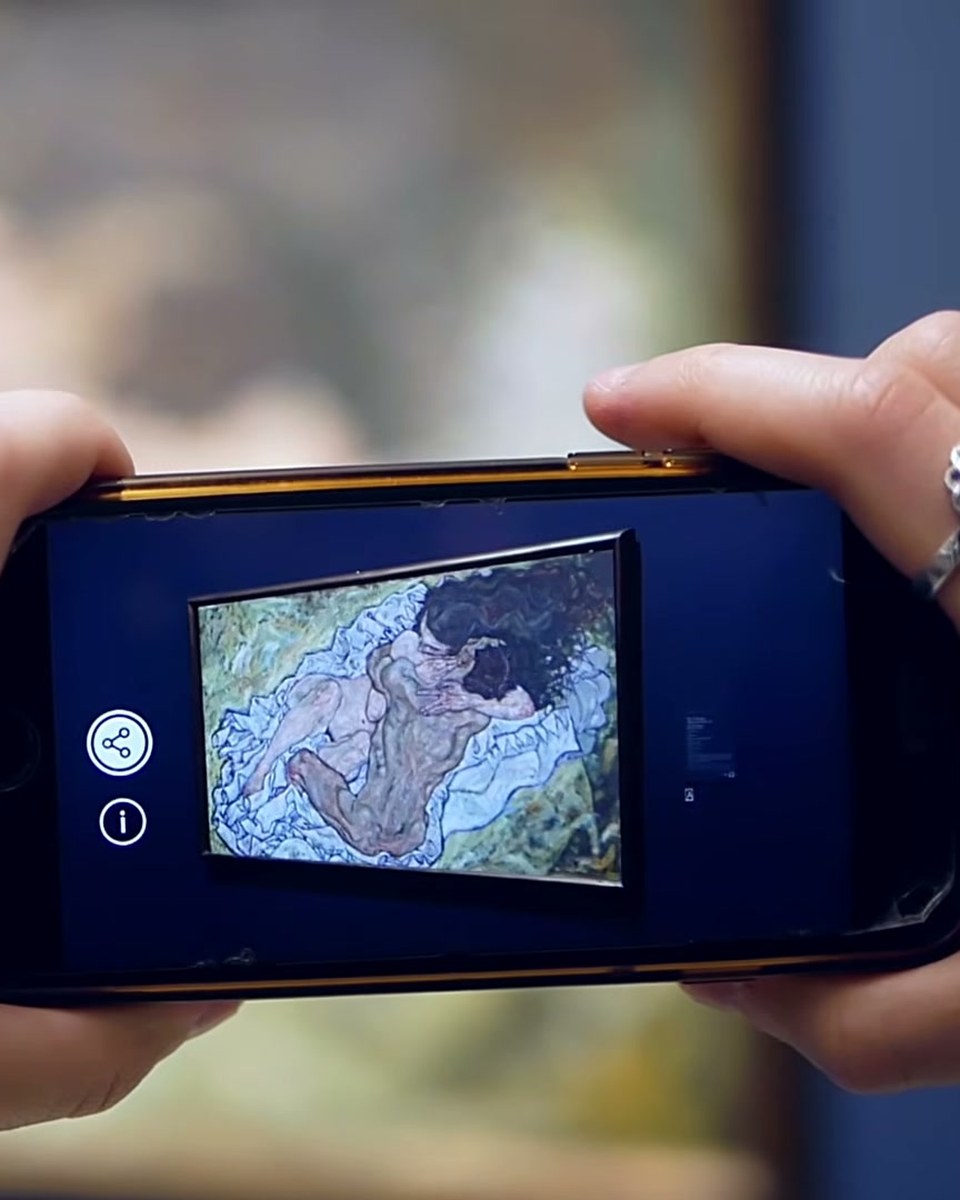
- Publish. Visitors open it in the free app or through a WebAR link, and enterprise campaigns run fully white label, under your own brand.