Tutorial: how to create animated AR art
Artivive
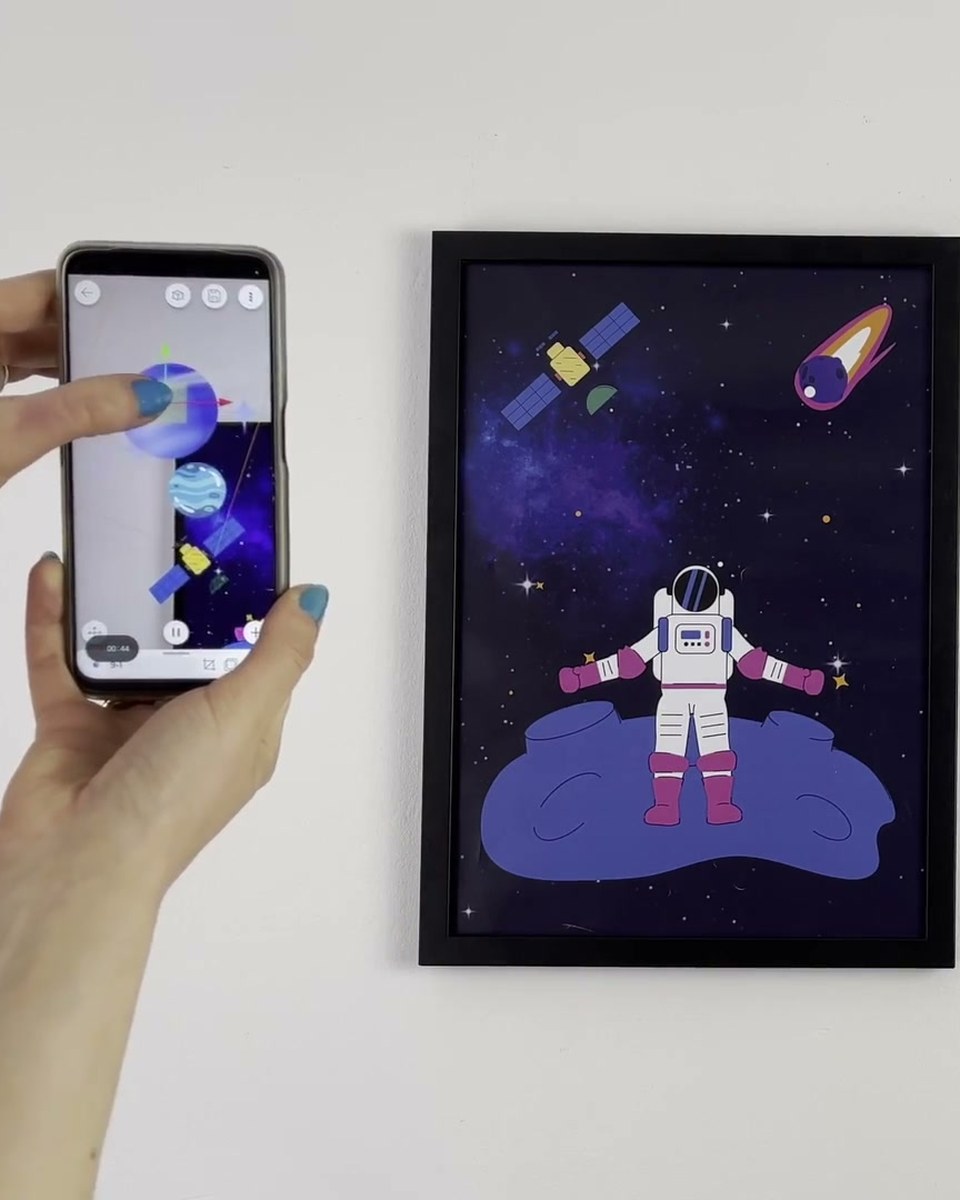
The full path from a still artwork to an animated AR piece: preparing the artwork, building the animation, stacking layers in the Artivive editor and publishing. One tutorial, start to finish. The place to begin if you have a finished artwork and want it to move.
Create this yourself
Everything in this video is made in the Artivive editor. Upload your image, add the video or 3D layer, publish. Free to start.
Credits
Produced by Artivive.
How a case like this gets made
- Pick what people will point their phone at: a painting, poster, pack, page or wall.
- Add the digital layer in the Artivive editor. Video, image, 3D model, sound. No code.
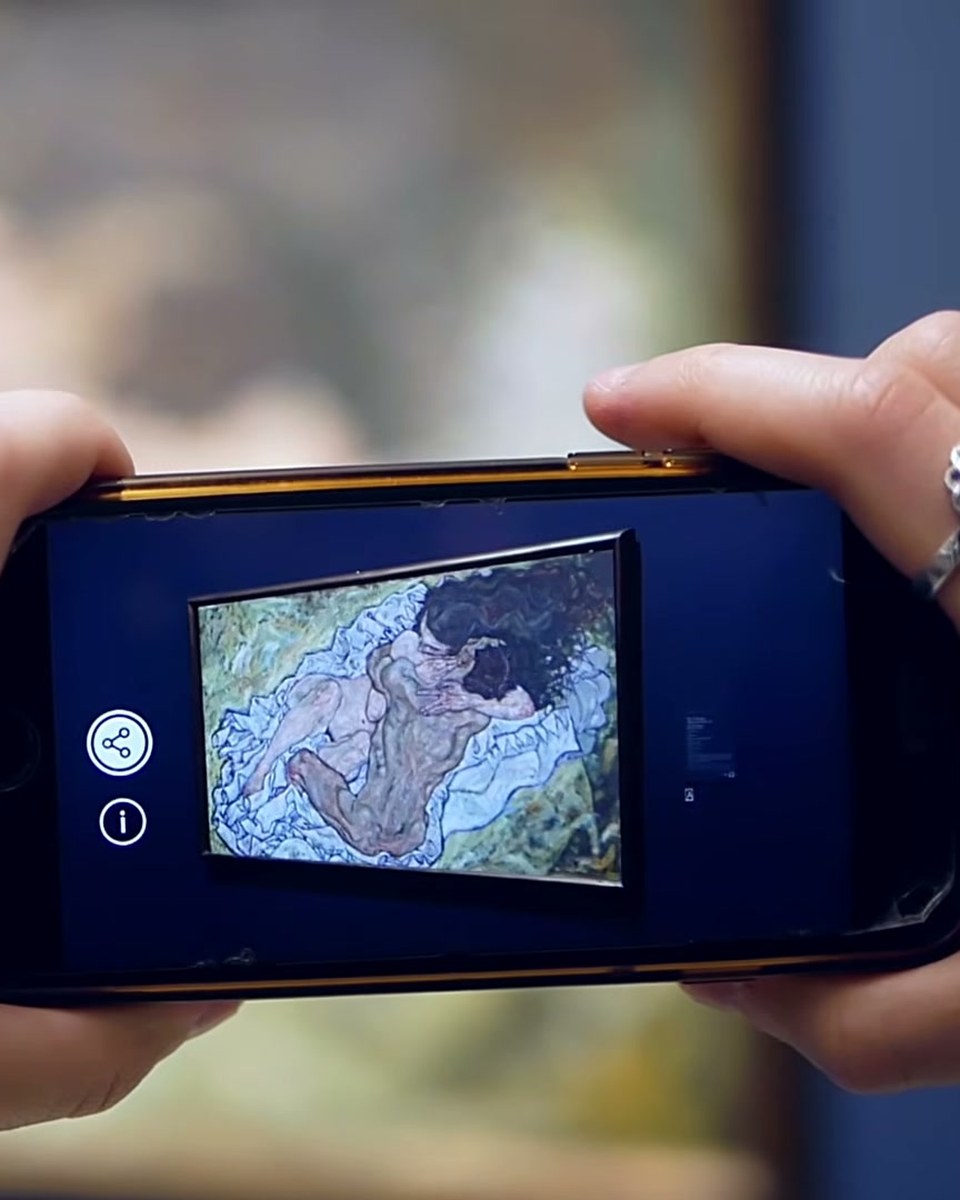
- Publish. Visitors open it in the free app or through a WebAR link, and enterprise campaigns run fully white label, under your own brand.
← Previous in Platform & WebARTutorial: 3D sound in AR
Next in Platform & WebAR →Tutorial: interactive AR with timeline sequences