Tutorial: the particle effect layer
Artivive
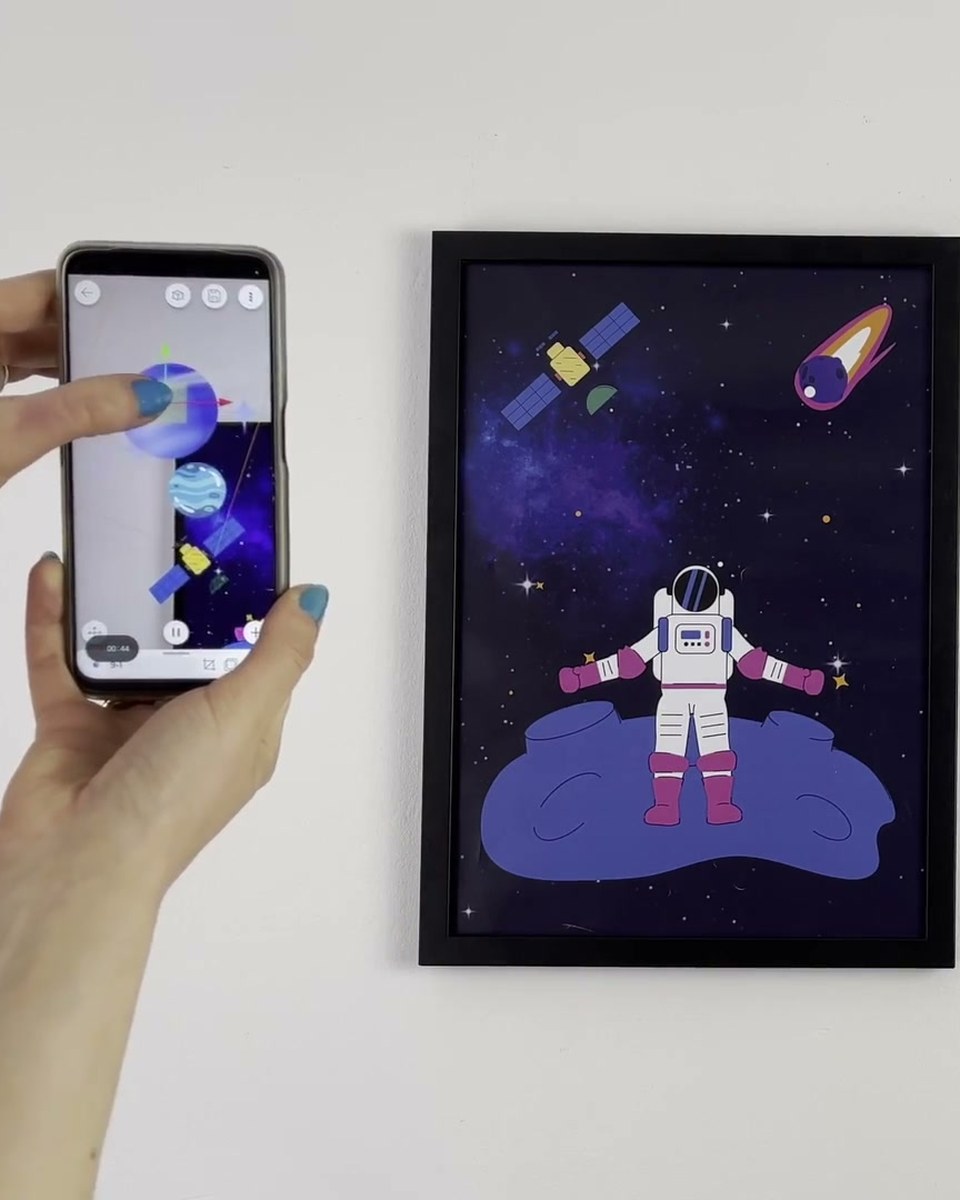
Rain, snow, sparks, floating dust: the particle effect layer adds generated motion on top of an artwork without rendering a video. This tutorial shows how to add and tune particles in the Artivive editor, and when to reach for them instead of a video layer.
Create this yourself
Everything in this video is made in the Artivive editor. Upload your image, add the video or 3D layer, publish. Free to start.
Credits
Produced by Artivive.
How a case like this gets made
- Pick what people will point their phone at: a painting, poster, pack, page or wall.
- Add the digital layer in the Artivive editor. Video, image, 3D model, sound. No code.
- Publish. Visitors open it in the free app or through a WebAR link, and enterprise campaigns run fully white label, under your own brand.
← Previous in Platform & WebARTutorial: the costume effect layer
Next in Platform & WebAR →WebAR explained: augmented reality without an app