WebAR explained: augmented reality without an app
Artivive
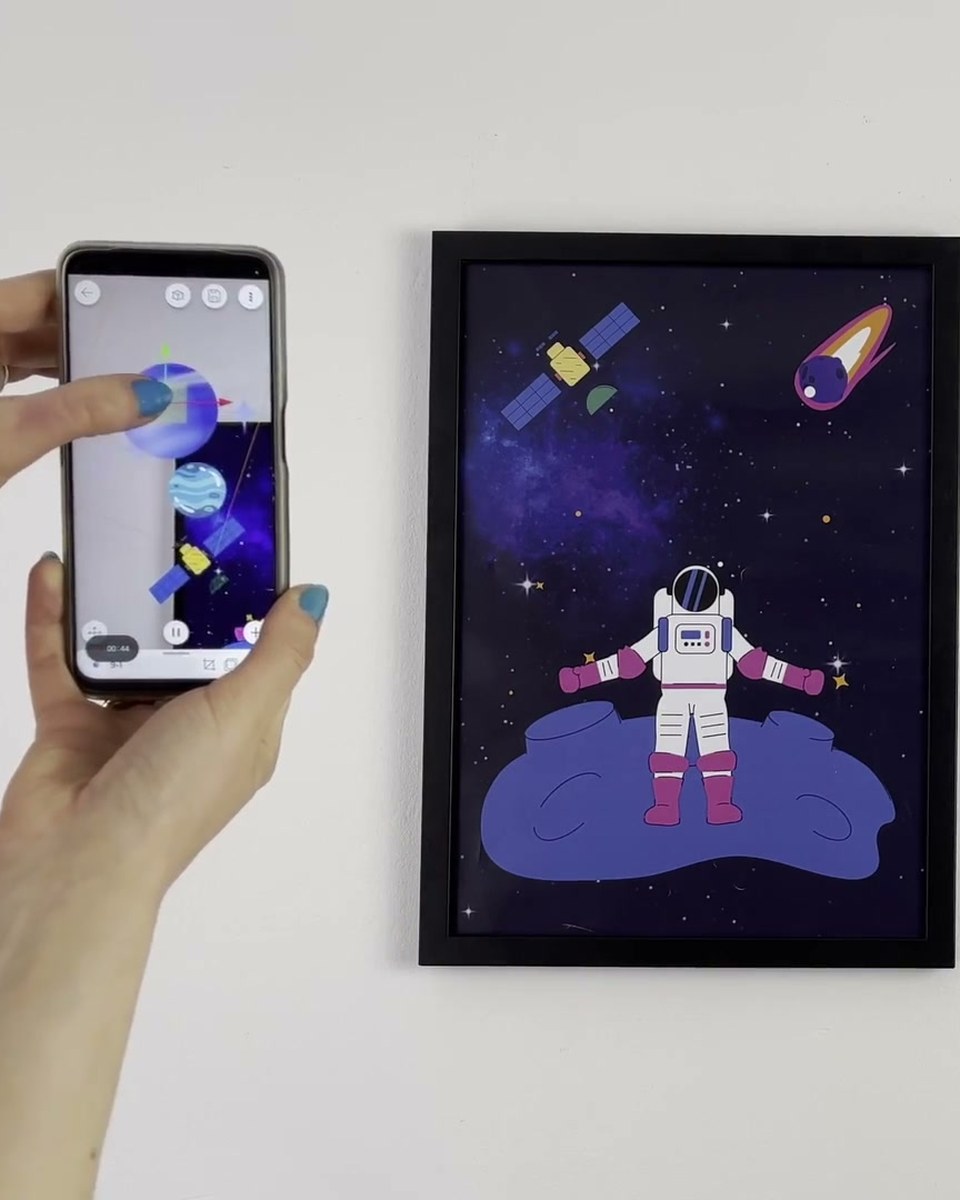
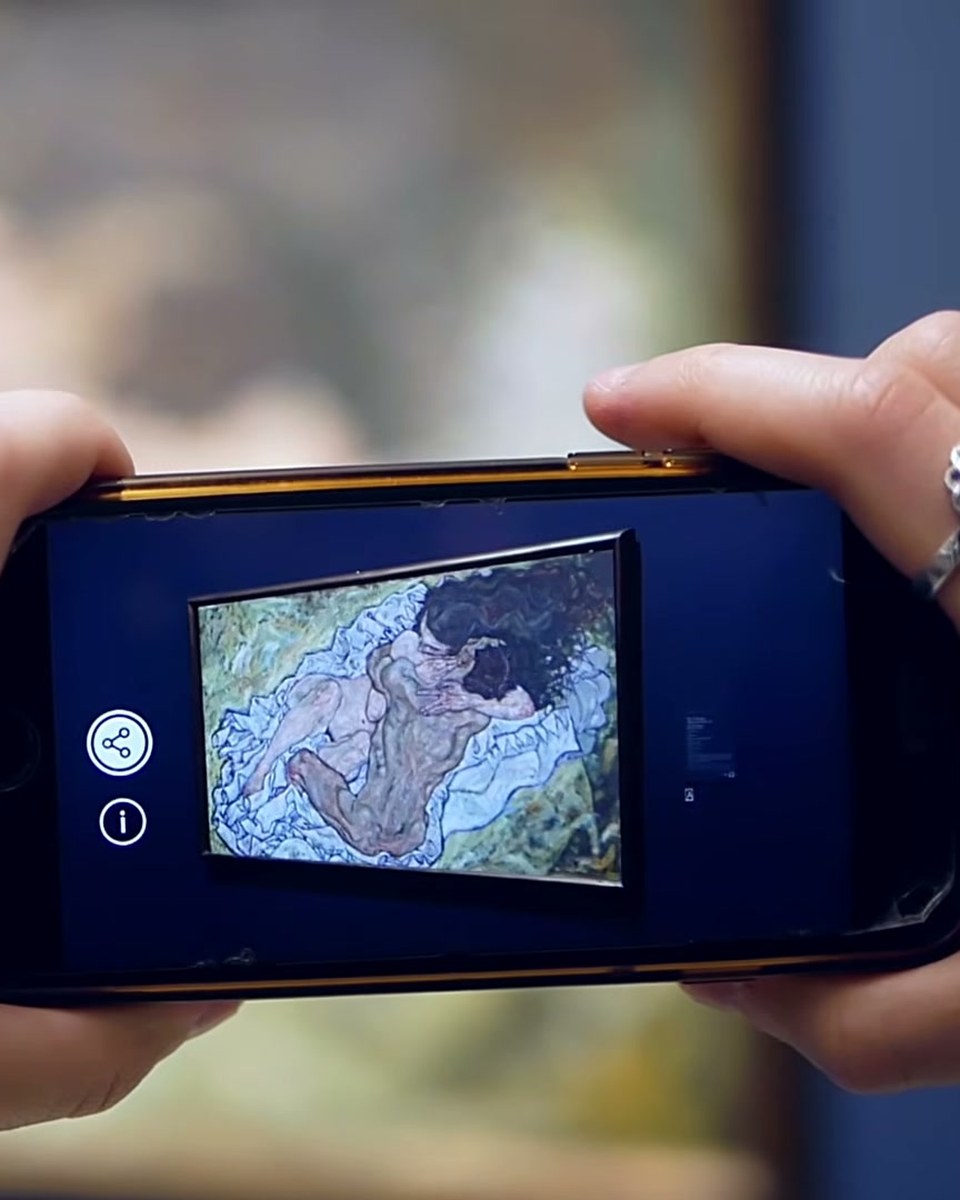
WebAR removes the last barrier: no app download. Publish an artwork or a folder of up to ten pieces as WebAR in Bridge, and you get a QR code and a URL that open the experience straight in the mobile browser. Scan, tap, and the artwork moves, which matters at an event, on packaging or in a shop window where nobody will install anything. Shown here with the publishing flow in the editor.
Outcome: One QR code or link, no app download, up to ten artworks per WebAR experience.
Try it yourself
Create your first AR artwork in the Artivive editor in a few minutes. Free account, no code, WebAR link or app.
Credits
Produced by Artivive.
How a case like this gets made
- Pick what people will point their phone at: a painting, poster, pack, page or wall.
- Add the digital layer in the Artivive editor. Video, image, 3D model, sound. No code.
- Publish. Visitors open it in the free app or through a WebAR link, and enterprise campaigns run fully white label, under your own brand.
← Previous in Platform & WebARTutorial: the particle effect layer
Next in Platform & WebAR →White label WebAR: your brand, your AR platform